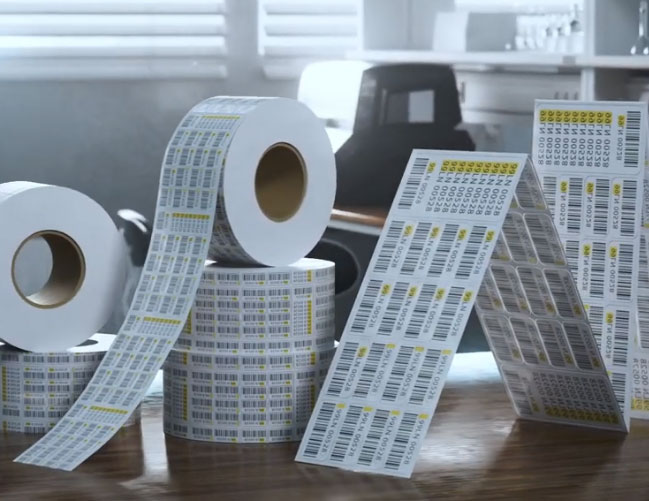
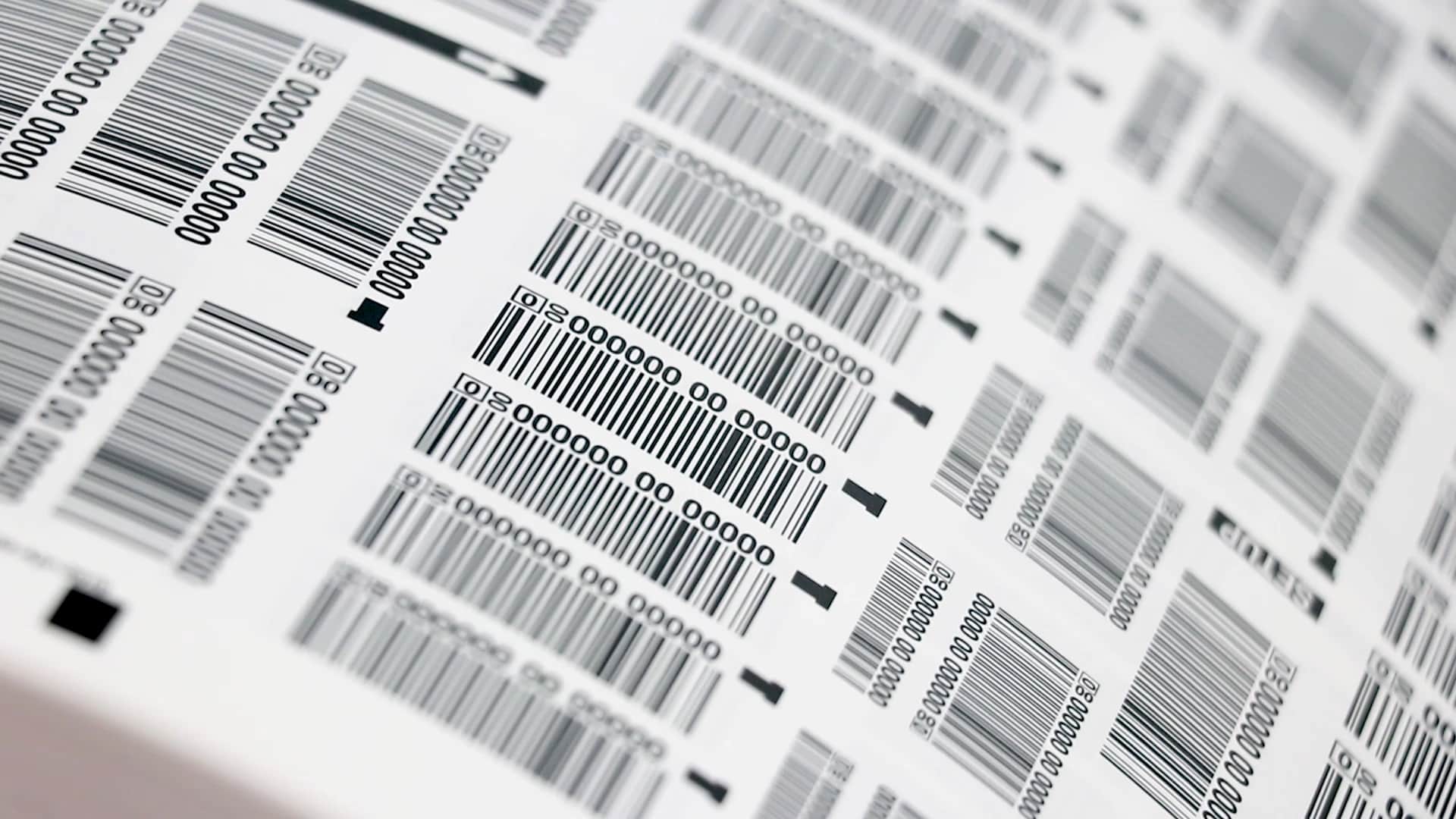
Is scanning your barcode labels taking more effort than it should? Whether it’s a retail checkout, a warehouse inventory line, or a lab sample, a barcode that won’t scan can bring an entire workflow to a halt. The good news is that most unreadable barcodes come down to a handful of predictable causes — and all of them have practical fixes.
In most cases, scanning problems stem from one of three areas:
- Scanner or software compatibility issues – when your scanner can’t interpret the barcode’s symbology or resolution.
- Improper scanning technique – when the barcode isn’t positioned or lit correctly for the scanner to capture.
- Barcode quality or durability issues – when the label itself has poor print quality, contrast, or damage.
These categories sound simple, but each involves its own technical details — from print density and quiet zones to surface materials and optics. In the following sections, we’ll explore how to identify the root cause of each problem and the most effective ways to get your barcodes scanning reliably again.
1. Scanner or Software Compatibility Issues
Even the most durable barcode label won’t scan properly if the scanner isn’t equipped to read it. Your scanner and your barcodes must “speak the same language,” which depends on the barcode symbology, print density, and how your device is configured.
Check the Symbology Settings
Every barcode encodes information using a particular format—known as a symbology. Common linear (1D) symbologies include Code 128, Code 39, and Interleaved 2 of 5, while QR Codes and Data Matrix are common 2D types. Older scanners or handheld laser models may read only linear codes, while newer image-based scanners can capture both.
If a barcode suddenly stops scanning, check that your device supports the symbology printed on your labels. Many scanners allow you to enable or disable specific symbologies in their configuration menu or setup barcode sheet.
Adjust Auto-Discrimination and Prefix Settings
Some scanners rely on auto-discrimination—automatic detection of the barcode type. This feature is useful in mixed environments but can occasionally misread or slow down scans. If your operation always uses one or two symbologies, disabling auto-discrimination and explicitly enabling those formats can make scanning faster and more consistent.
While you’re in the settings, confirm that no unwanted prefixes or suffixes are being added to the data output; these extra characters can cause a system to reject an otherwise valid scan.
Match Scanner Resolution to Barcode Density
Scanners are designed with a specific optical resolution that determines how small a bar or module they can resolve. If your labels use high-density barcodes with very fine lines (a small X-dimension), a standard-resolution scanner may not capture them reliably. Industrial or lab applications that require micro-labels often need high-resolution imagers rated for 3–5 mil bar widths.
Conversely, scanning very large barcodes from a long distance requires scanners with a wider depth of field and higher illumination output.
Confirm Software Compatibility
Barcode readability also depends on how your software interprets the scanned data. If your system expects a specific format—such as GS1-128 with an Application Identifier structure—but your labels use a different encoding, the data may register as an error. Verifying that your software parser matches the barcode format is a simple way to eliminate this hidden compatibility issue.
Quick diagnostic checklist:
- Confirm the correct symbologies are enabled.
- Check for unwanted prefixes or suffixes.
- Ensure scanner optical resolution matches barcode density.
- Verify the software system expects the same barcode format.
2. Improper Scanning Technique
Even with the right equipment, scanning technique can make or break readability. A barcode is essentially an optical pattern that relies on contrast, alignment, and distance, and small variations in how it’s scanned can cause inconsistent results.
Find the Optimal Scanning Angle
Barcodes reflect light differently depending on the material they’re printed on. Glossy or laminated labels, metalized films, and smooth plastics can create glare that interferes with the scanner’s sensor. The reflected light reduces the contrast between the dark bars and light spaces — exactly what the scanner is trying to measure.
If you notice that some scans fail only under certain lighting or at certain positions, adjust the angle between the scanner and the barcode. Holding the scanner at a slight tilt (about 10–15°) often prevents the beam from reflecting straight back and restores the needed contrast. For fixed-mount scanners, a non-perpendicular mounting position or diffused lighting can achieve the same effect.
Stay Within the Correct Read Range
Every scanner has a defined depth of field— he range within which it can focus on a barcode. Moving the scanner too close or too far can push the symbol out of focus, especially with small or dense barcodes.
The relationship is straightforward: the smaller the barcode, the shorter the read range. A compact label used on a vial or circuit board might need to be within 2–5 inches, while a large pallet label could read from several feet away.
If you’re unsure, check the diagram in your scanner’s manual showing distance bands for different barcode sizes (often marked in mils).
Quick tip: keep the barcode flat and square within the scanning beam. Curved surfaces, like tubes or bottles, can distort the bars — if possible, wrap the barcode with a larger radius or print it wider so the scanner reads an undistorted section.
Maintain Stable Lighting and Clean Conditions
Poor lighting can be just as problematic as glare. Dim environments reduce contrast, while overly bright light can wash out pale bars. In both cases, ambient lighting and clean labels make a big difference. Even a light coating of dust or condensation can break up the pattern enough to cause a misread.
For handheld scanners, train operators to:
- Hold the scanner steady for a full second before pulling the trigger.
- Avoid scanning under flickering fluorescent lighting.
- Keep the label area free from moisture and residue.
By standardizing technique and checking lighting conditions, you can eliminate many “inconsistent” scan failures that appear random but actually stem from environmental factors.
3. Barcode Quality and Durability Problems
If your scanner and technique check out but you’re still getting inconsistent reads, the issue usually lies in the barcode itself. A printed symbol that’s blurry, low-contrast, or damaged can defeat even the best scanner. Print quality, label materials, and environmental exposure all influence how reliably a barcode performs.
Print Quality and Image Resolution
Barcodes depend on precise line widths and spacing. When the print image softens or stretches, scanners can no longer distinguish one bar from the next.
A few key variables determine print quality:
- Printer resolution (DPI): Most thermal transfer printers offer 203–300 dpi, suitable for standard logistics labels. Small, high-density barcodes (such as those on tubes or circuit boards) benefit from 600 dpi or higher to maintain edge clarity.
- Print speed: Running a printer at maximum speed often sacrifices accuracy. If bar edges look fuzzy or uneven, lower the print speed to improve image sharpness.
- Maintenance: A worn or dirty printhead can cause voids or light areas within bars. Regular cleaning and timely printhead replacement restore consistency and prolong equipment life.
- Ribbon and label match: Thermal transfer ribbons must be compatible with the label material. Using a resin ribbon on durable synthetics (polyester, polypropylene) ensures crisp, abrasion-resistant images.
If your facility prints labels on demand, it’s worth implementing a print verification step using an inline or handheld verifier. This measures contrast, edge definition, and defects according to ISO/IEC 15416 standards — the same criteria large manufacturers use to guarantee scanability.
Material Compatibility and Adhesion
Even a perfectly printed barcode can fail if the label material doesn’t adhere well to the surface. Low-surface-energy plastics, curved containers, or flexible tubing can cause labels to lift, wrinkle, or distort.
Choose label materials engineered for the environment and substrate:
- High-energy surfaces like glass and metal bond well with standard acrylic adhesives.
- Low-energy plastics may require modified acrylic or rubber adhesives designed for better wet-out.
- For curved surfaces, thin, conformable films prevent edge lift and bar distortion.
If labels frequently peel or wrinkle, revisit the adhesive formulation and surface prep — wiping, corona treatment, or primer coatings can all improve long-term adhesion.
Environmental Damage and Protection
Many scanning issues appear later in a product’s lifecycle, after labels are exposed to abrasion, solvents, temperature swings, or moisture. These conditions can dull print contrast or physically damage the barcode.
To protect readability:
- Use resin ribbons or top-coated films for resistance to chemicals and abrasion.
- Add laminates or varnishes in high-wear areas.
- For extreme conditions (cryogenic storage, autoclaves, or chemical washes), upgrade to specialty cryo labels or cured-ink markings that permanently bond to the surface.
Durability doesn’t just preserve aesthetics — it ensures reliable scanning throughout storage, transport, and processing. A label that survives its environment maintains both traceability and compliance.
How to Fix Barcode Scanning Issues
Once you’ve identified the likely source of your scanning problems—whether it’s equipment, technique, or label quality—the next step is taking targeted action. Fixing barcode readability doesn’t always mean replacing hardware or reprinting everything; small adjustments often make the biggest difference.
Optimize Printing and Label Quality
- Match printer DPI to barcode size. Small barcodes need finer resolution. For most general labeling, 300 dpi is standard, while small or data-heavy codes benefit from 600 dpi.
- Lower print speed for better accuracy. Slowing the printer improves edge sharpness and contrast.
- Clean and maintain printheads. Residue buildup causes voids or missing bars; wipe regularly with approved cleaning pads.
- Use the right ribbon and material pairing. Resin ribbons and synthetic films (polyester or polypropylene) provide high durability and crisp, chemical-resistant images.
- Add protection where needed. A thin laminate or varnish can prevent abrasion, smudging, and fading over time.
Fine-Tune Your Scanner and Software Settings
- Enable only the symbologies you need. Reduces false reads and speeds up scanning.
- Adjust brightness and decoding parameters. Some scanners allow control over illumination strength or exposure for glossy or low-contrast surfaces.
- Check for unwanted prefixes or suffixes. Hidden characters can cause database mismatches or rejected scans.
- Verify scanner resolution against barcode density. High-density labels require high-resolution imagers.
- Confirm software compatibility. Ensure your database or inventory system expects the barcode format you’re using (e.g., GS1-128, Code 128, Data Matrix).
Improve Handling and Environmental Conditions
- Train operators on optimal angle and distance. A 10–15° tilt prevents glare; distance depends on barcode size.
- Use consistent lighting. Avoid flickering or reflective overhead lights that reduce contrast.
- Wipe labels before scanning. Dust, oil, or condensation can block the scanner beam.
- Upgrade to environment-appropriate labels. Cryogenic, chemical-resistant, or heat-tolerant materials maintain scannability in extreme conditions.
When in Doubt, Verify
Barcode verification—testing according to ISO/IEC 15416 or 15415—grades each symbol for contrast, modulation, defects, and quiet zones. A passing grade (A or B) indicates the barcode will perform across diverse scanners and environments. Regular verification helps pinpoint whether issues stem from printing inconsistencies or scanner limitations before they impact production.
Pro tip: keep one verified “master” label on file. If future batches fail to scan, comparing them to this reference can quickly confirm whether print quality has changed.
Barcode Verification and Quality Standards
When barcodes fail to scan, it’s often a symptom of print quality issues that can be detected long before labels reach the production floor. Barcode verification—the process of grading symbols according to global standards—provides a measurable way to ensure reliability.
Understanding ISO/IEC Barcode Standards
Most barcode quality testing follows ISO/IEC 15416 for linear (1D) codes and ISO/IEC 15415 for 2D codes. These standards define how to evaluate a barcode’s appearance and assign it a grade from A (excellent) to F (fail) based on multiple parameters:
- Symbol contrast: The difference between light and dark areas. Poor contrast is the most common cause of unreadable codes.
- Modulation: Consistency of contrast across all bars or cells.
- Defects: Spots, voids, or smudges that break up the pattern.
- Decodability: The accuracy of bar width ratios or module dimensions.
- Quiet zones: Blank margins around the barcode that help scanners identify where the symbol begins and ends.
A barcode that grades A or B is considered universally scannable; C is typically acceptable for internal use, while D or F indicates a high likelihood of scanning failure.
Verification vs. Validation
Verification checks the print quality of a barcode, while validation confirms that the encoded data is correct. Both are important:
- A perfectly printed barcode that encodes the wrong product number will still scan successfully—but with bad data.
- A correctly encoded barcode that prints poorly may fail to scan entirely.
Performing both ensures your labels are not only readable but also accurate within your system.
Quiet Zones, Contrast, and Size: The Basics of Readability
Even without formal verification equipment, adhering to a few visual rules prevents most failures:
- Quiet zone: Leave at least 10 times the narrowest bar width (the X-dimension) blank on both sides of a linear code.
- Bar height: Taller bars make scanning more forgiving—follow the recommended minimum of 15% of barcode length for GS1-128.
- Color contrast: Always print dark bars on a light, non-reflective background; black on white or black on matte silver are ideal. Avoid red bars for laser scanners.
Maintaining these proportions ensures your barcodes meet industry norms even if you’re not formally verifying every batch.
Why Verification Matters
Verification adds traceability and reduces downstream waste. Catching low contrast or modulation early prevents entire label rolls or product runs from being rejected. For regulated industries like life sciences, medical devices, and automotive manufacturing, documented verification results may even be part of compliance requirements.
If you produce or print barcodes in-house, consider investing in a handheld verifier or working with a labeling partner who can provide graded samples and test reports. Over time, that data builds a record of consistent quality—and far fewer scanning surprises.
When to Call a Labeling Solutions Partner
You can troubleshoot barcode scanning issues on your own—but the truth is, barcodes are more complex than they look. Between printer settings, material compatibility, adhesive performance, and scanner configuration, every part of the system needs to work together. A small mismatch in resolution, ribbon type, or label surface can cause persistent problems that waste time and money.
Working with an experienced labeling solutions partner ensures those variables are optimized from the start. Instead of testing settings and materials through trial and error, you can rely on specialists who understand barcode design, printing, and verification standards inside and out.
Why a Partner Makes It Easier
- Comprehensive expertise: A partner can align your label materials, printers, ribbons, and scanners for consistent performance.
- System-level troubleshooting: Rather than diagnosing each failure individually, they evaluate how your labeling workflow functions as a whole.
- Access to advanced print technologies: Many durability or readability improvements—like coatings, laminates, or cured-ink imaging—require equipment most facilities don’t have in-house.
- Verification and compliance support: Partners can provide barcode grading, test reports, and documentation for regulated industries such as laboratories, healthcare, and automotive manufacturing.
For most organizations, the easiest and most cost-effective solution is to get help early. A brief consultation can identify the source of scan failures, streamline your printing process, and prevent future downtime.
If you’re tired of fighting with unreadable barcodes, it might be time to bring in a team that can make sure they scan right—every time.
Continue Exploring Labeling Solutions
If you’re ready to take the next step, explore our most popular solutions:
Connect with our labelling experts today
Blog article form
"*" indicates required fields