Keep your Thermal Transfer printer dependably productive with 5 simple tips
- Keep the print head clean.
- Regularly clean the print head – the best time is when you’re replacing the label roll or installing a new ribbon.
- Get your heat and speed ratio right.
- Running the printer on a slower setting means using less heat to get a good image. Less heat means the print head will last longer!
- Protect the print head from the media.
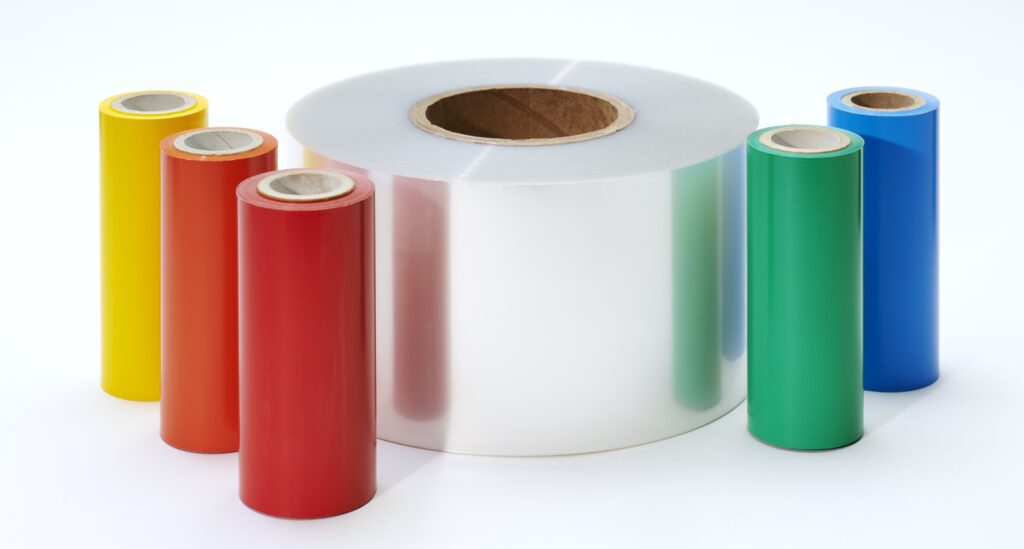
- Use a thermal transfer ribbon that’s a little wider than the media to protect the print head from abrasion.
- Razor blades and box cutters are out!
- Only ever use the printer’s tear bar or scissors to remove labels – blades mean slits and cuts in the driver roller which can easily cause voids in the printed labels.
- Avoid ‘ribbon wrinkle.’
- More often than not, ‘ribbon wrinkle’ is caused by too much heat, so your first fix should always be to turn down the heat setting.